
 By Lesa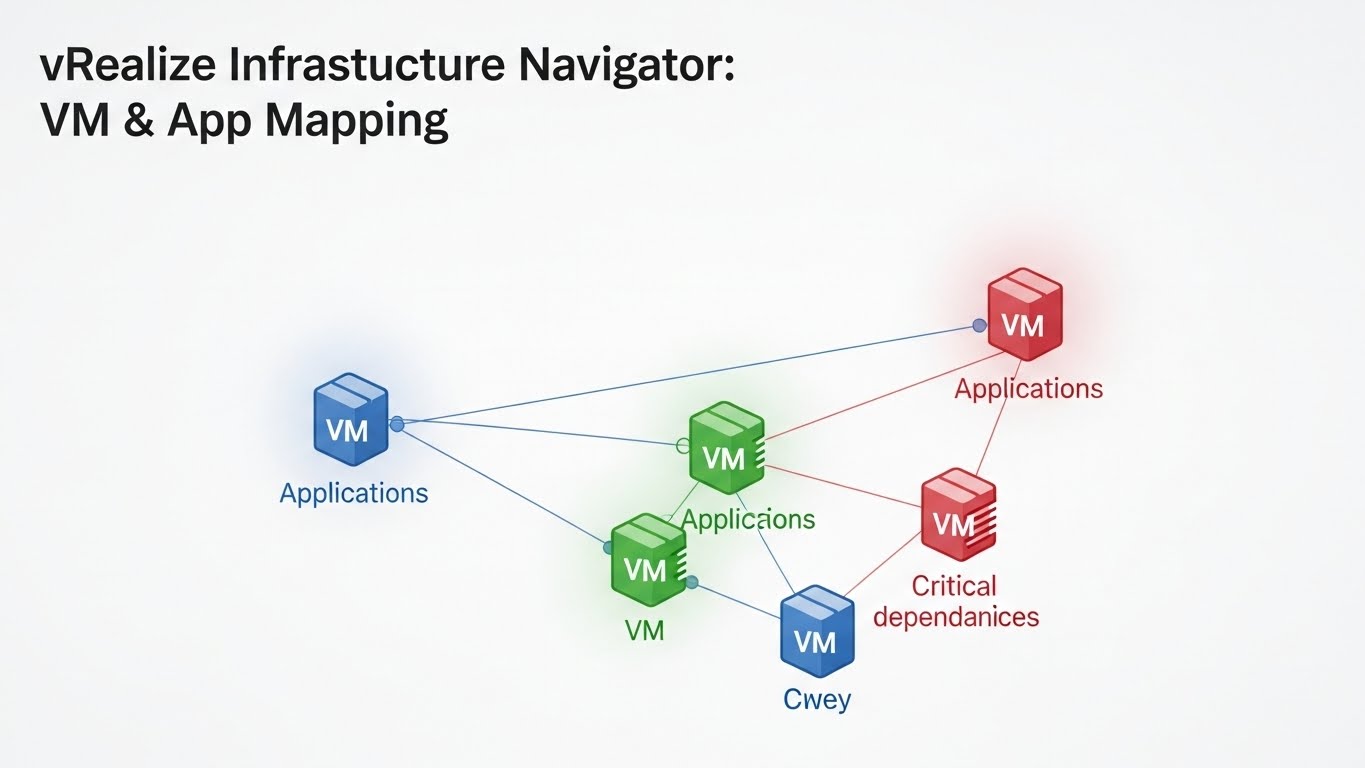
In today’s fast-paced digital world, managing virtual machines (VMs) and applications efficiently is more critical than ever. Organizations are constantly seeking tools that provide clarity, streamline operations, and enhance performance. This is where vRealize Infrastructure Navigator comes into play. With its powerful VM and app mapping capabilities, it offers a comprehensive view of your infrastructure landscape. Whether you’re looking to optimize resources or gain insights into application dependencies, this innovative tool has got you covered. Let’s dive deeper into how vRealize Infrastructure Navigator transforms the way we visualize and manage our IT environments.
Benefits of VM and App mapping
VM and App mapping offers significant advantages for IT environments. It allows organizations to visualize their infrastructure better, leading to improved resource management.
By understanding how virtual machines (VMs) relate to applications, teams can identify performance bottlenecks quickly. This insight helps in optimizing application delivery and enhancing user experiences.
Moreover, VM and App mapping aids in troubleshooting. When issues arise, having a clear view of dependencies simplifies the process of root cause analysis.
In addition, it promotes efficient capacity planning. Knowing which applications rely on specific VMs enables informed decisions regarding scaling resources or migrating workloads.
This practice boosts security posture by identifying vulnerabilities associated with particular apps or VMs. Organizations can prioritize protection efforts based on crucial dependencies within their infrastructure.
How vRealize Infrastructure Navigator works
vRealize Infrastructure Navigator operates by dynamically discovering and mapping the relationships between virtual machines (VMs) and applications. It uses a combination of agentless monitoring techniques, allowing it to analyze the infrastructure without additional overhead.
The tool collects data in real-time, giving insights into dependencies across your environment. This helps identify which VMs support specific applications or services.
It visualizes these connections through intuitive dashboards, making it easier for administrators to understand their entire ecosystem at a glance.
By leveraging this information, organizations can optimize resource allocation and streamline troubleshooting processes significantly. The ability to see how everything interconnects aids in making informed decisions about capacity planning and risk management as well.
Features of vRealize Infrastructure Navigator
vRealize Infrastructure Navigator boasts an array of features designed to enhance visibility and management of virtual environments. One standout feature is its real-time dependency mapping. This allows users to visualize the relationships between virtual machines, applications, and underlying infrastructure effortlessly.
Another key aspect is its intuitive user interface. The dashboard provides at-a-glance insights that make navigation simple, even for those new to virtualization technology. Users can quickly identify performance issues or bottlenecks through clear metrics and alerts.
Moreover, vRealize Infrastructure Navigator supports deep integration with other VMware products. This ensures a seamless workflow across various tools in your IT ecosystem, enhancing efficiency and reducing complexity.
Automated discovery capabilities streamline the process of identifying resources within your environment. With minimal manual intervention required, this feature saves time while ensuring accuracy in mapping dependencies.
Use cases for VM and App mapping with vRealize Infrastructure Navigator
VM and App mapping with vRealize Infrastructure Navigator is invaluable for businesses navigating complex IT environments. It helps organizations identify dependencies between virtual machines and applications, leading to better resource allocation.
A common use case involves streamlining application migrations. By understanding which VMs interact with specific applications, companies can plan smoother transitions to cloud platforms without disruption.
Another scenario is performance troubleshooting. Mapping reveals bottlenecks by showing how various components communicate, allowing teams to pinpoint issues quickly and efficiently.
Security assessments also benefit from this tool. With a clear view of VM-app relationships, security teams can enforce policies more effectively, ensuring critical data remains protected against potential threats.
Moreover, during audits or compliance checks, having detailed app mappings simplifies the process significantly. Teams can showcase their infrastructure’s organization and adherence to regulations effortlessly.
Steps to implement VM and App mapping with vRealize Infrastructure Navigator
Implementing VM and App mapping with vRealize Infrastructure Navigator involves several key steps. Start by installing the tool within your existing vSphere environment. Follow VMware’s guidelines to ensure a smooth setup.
Next, configure the necessary permissions and roles for users who will access the navigator. This step is crucial for maintaining security while allowing proper data visibility.
Once configured, initiate discovery scans of your virtual machines and applications. The software collects relevant metadata, providing insights into relationships between VMs and their corresponding applications.
After scanning is complete, utilize the dashboard to visualize dependencies effectively. You can customize views based on specific needs or organizational structures.
Regularly update your configurations as new VMs or apps are added to maintain an accurate mapping landscape. Regular maintenance ensures that your infrastructure remains optimized and efficient over time.
Conclusion
vRealize Infrastructure Navigator serves as a powerful tool in the realm of virtualization and cloud management. By seamlessly mapping virtual machines (VMs) and applications, it helps organizations gain a clearer understanding of their infrastructure. This clarity drives efficiency, enhances troubleshooting capabilities, and ultimately boosts performance.
The benefits of using vRealize Infrastructure Navigator extend beyond mere visibility. Organizations can make informed decisions regarding resource allocation, optimize application performance, and improve overall operational agility. The intuitive interface simplifies the complex relationships within IT environments, allowing teams to focus on strategic initiatives rather than getting bogged down by day-to-day issues.
With its robust features—like dependency mapping and real-time analytics—users are equipped with actionable insights that lead to better management practices. From identifying critical VMs for business continuity planning to optimizing workloads based on utilization data, the use cases are diverse and impactful.
Implementing VM and App mapping with vRealize Infrastructure Navigator is straightforward. Following established steps ensures organizations maximize their investment in both technology and human resources.
Understanding how your applications interact with underlying VMs transforms your ability to manage them effectively. It’s an essential strategy for businesses looking to thrive in today’s fast-paced digital landscape. As you explore this innovative tool further, consider how it could enhance your own organization’s approach to infrastructure management.